AI Chatbot for Your Website: Help Visitors Take the Next Step
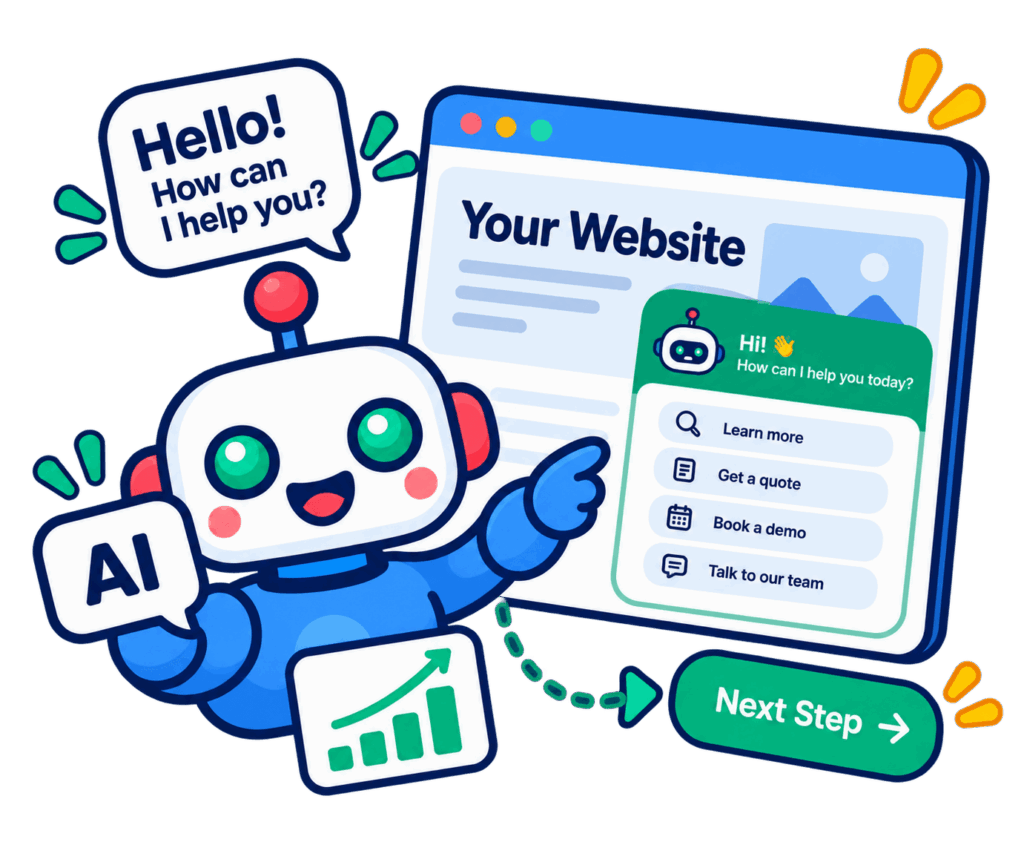
A visitor has reached your website. Now help them find the answer that makes it easier to inquire, choose a service, or continue shopping.
Mindy adds an AI chatbot for website conversations through its website chat integration add-on. Answer common questions using your approved content, collect useful lead information, and connect visitors with your team when they need personal assistance.
Be There When a Visitor Has One More Question
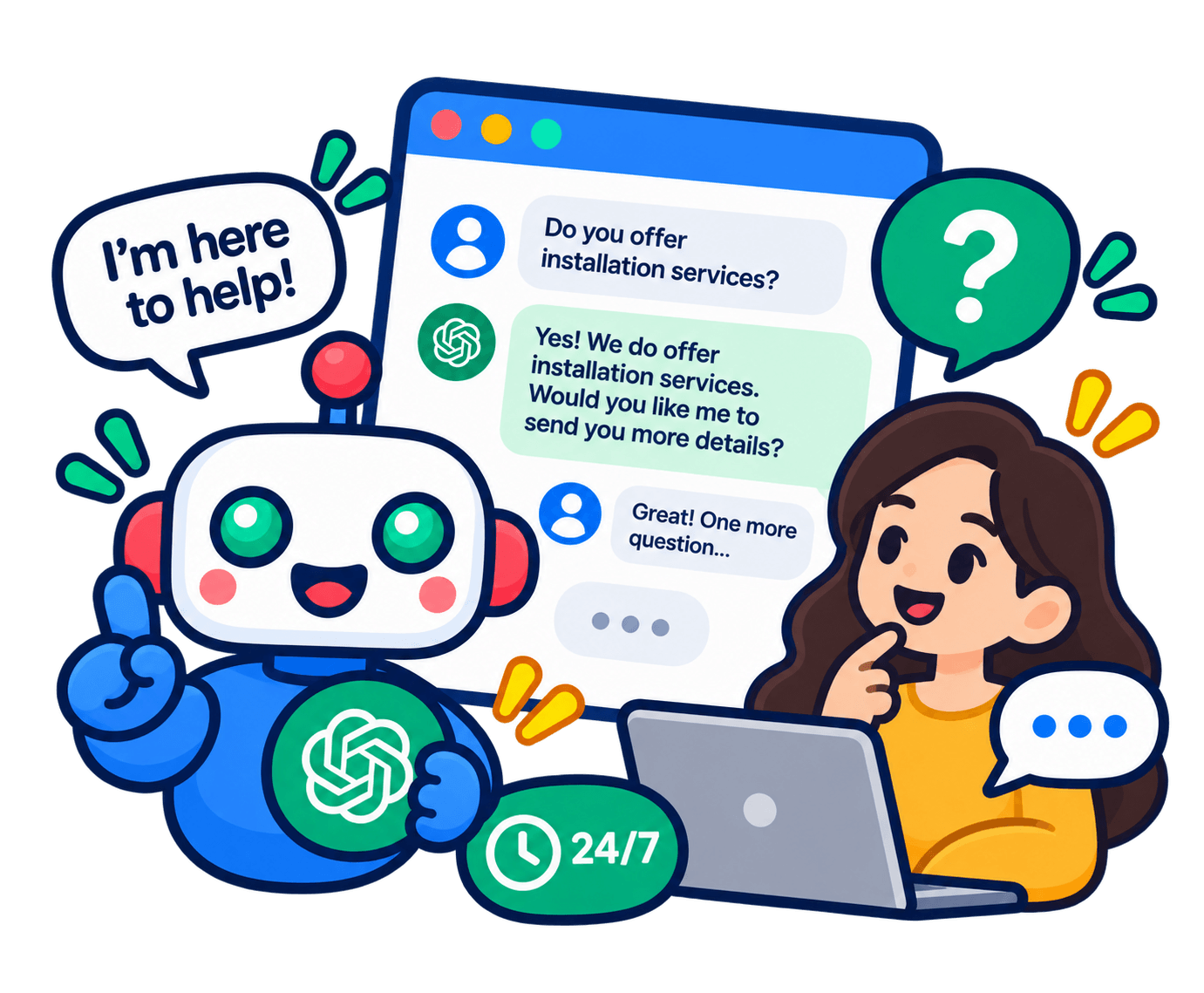
Your website may already explain what you do. But a visitor may still need help finding the right service, understanding a policy, or deciding what to ask before contacting you.
A chat conversation gives them another way to get oriented. Instead of making them work through every page, help them ask a direct question and move toward a relevant next step.
Turn Your Existing Information Into Useful Answers

Explain Products and Services
Train Mindy with product information, service details, FAQs, and approved website content. Give visitors a convenient way to ask about your offering while they are still exploring it.

Make Policies Easier to Understand
Bring frequently requested information into the conversation. Whether visitors ask about your process, business hours, or published policies, the chatbot can use the material you provide to guide its response.

Collect More Useful Inquiries
Mindy can ask qualification questions based on your business rules and collect the details your team needs. Shape the flow around the inquiry: what the visitor needs, how to reach them, and what context will help your team follow up.

Support Actions Through Custom Integrations
For a more connected workflow, discuss appointment booking, order creation, or information retrieval with Optimind. These capabilities depend on the systems involved and the agreed integration scope; additional development fees may apply.
How it Works
Automation works best when the next step is clear. Let Mindy handle repeat questions, then escalate conversations that need a custom answer, a proposal, or a human decision.
Your visitors can get initial help without expecting an automated answer to resolve every situation. Your staff can focus on the conversations where their experience makes the difference.
A Managed Website Chat Setup
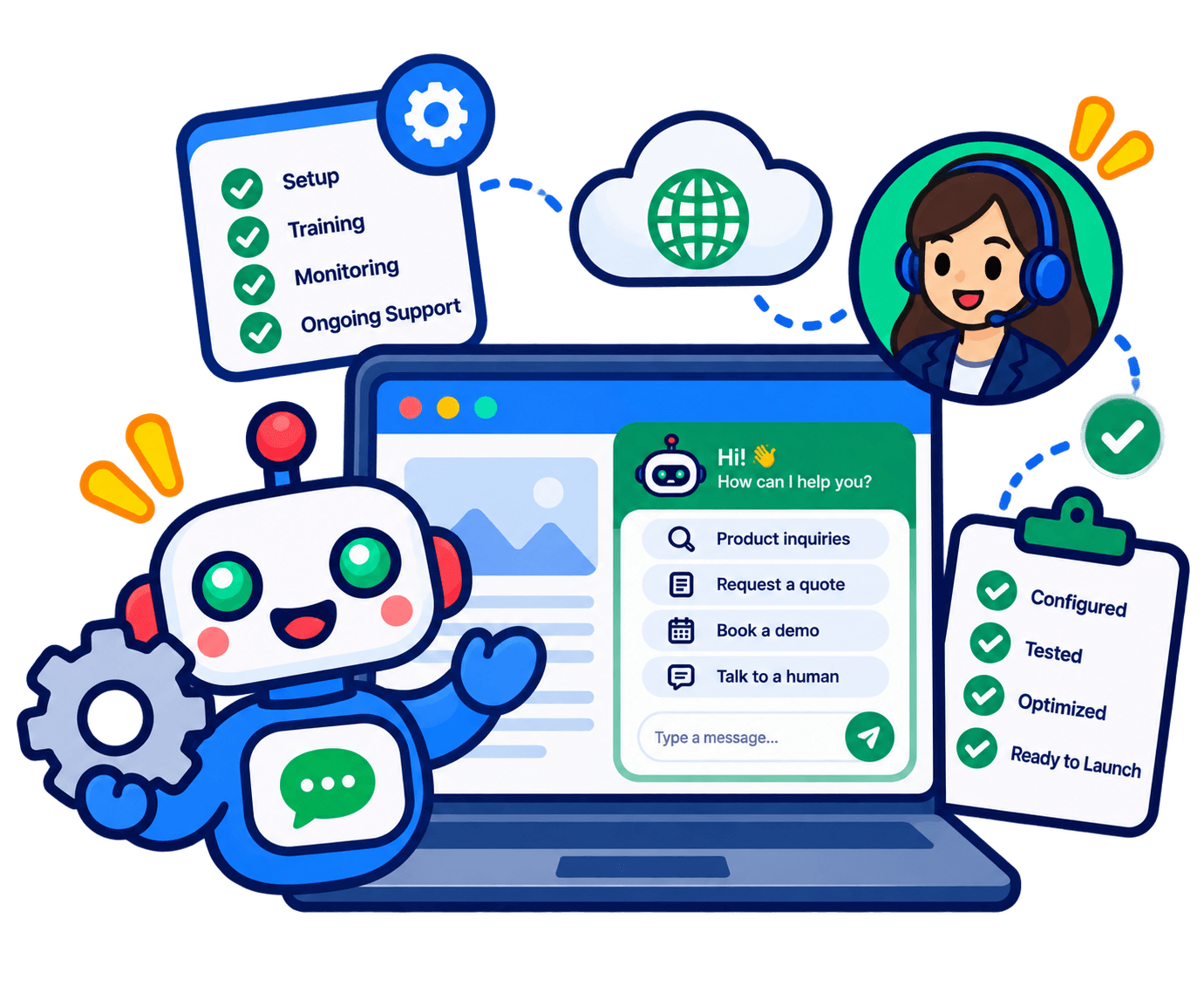
Start by sharing your website and the questions visitors commonly ask. Optimind reviews your requirements, configures the integration, and trains Mindy using the information your business approves.
Before launch, work through representative conversations and agree on when to collect details or hand the inquiry to a person. Setup, configuration, and deployment are managed by Optimind, so your team can focus on the content and customer experience.
As your services and policies evolve, use the retraining time included in your plan to review answers and address new questions. Better source material gives the chatbot a stronger basis for useful responses.
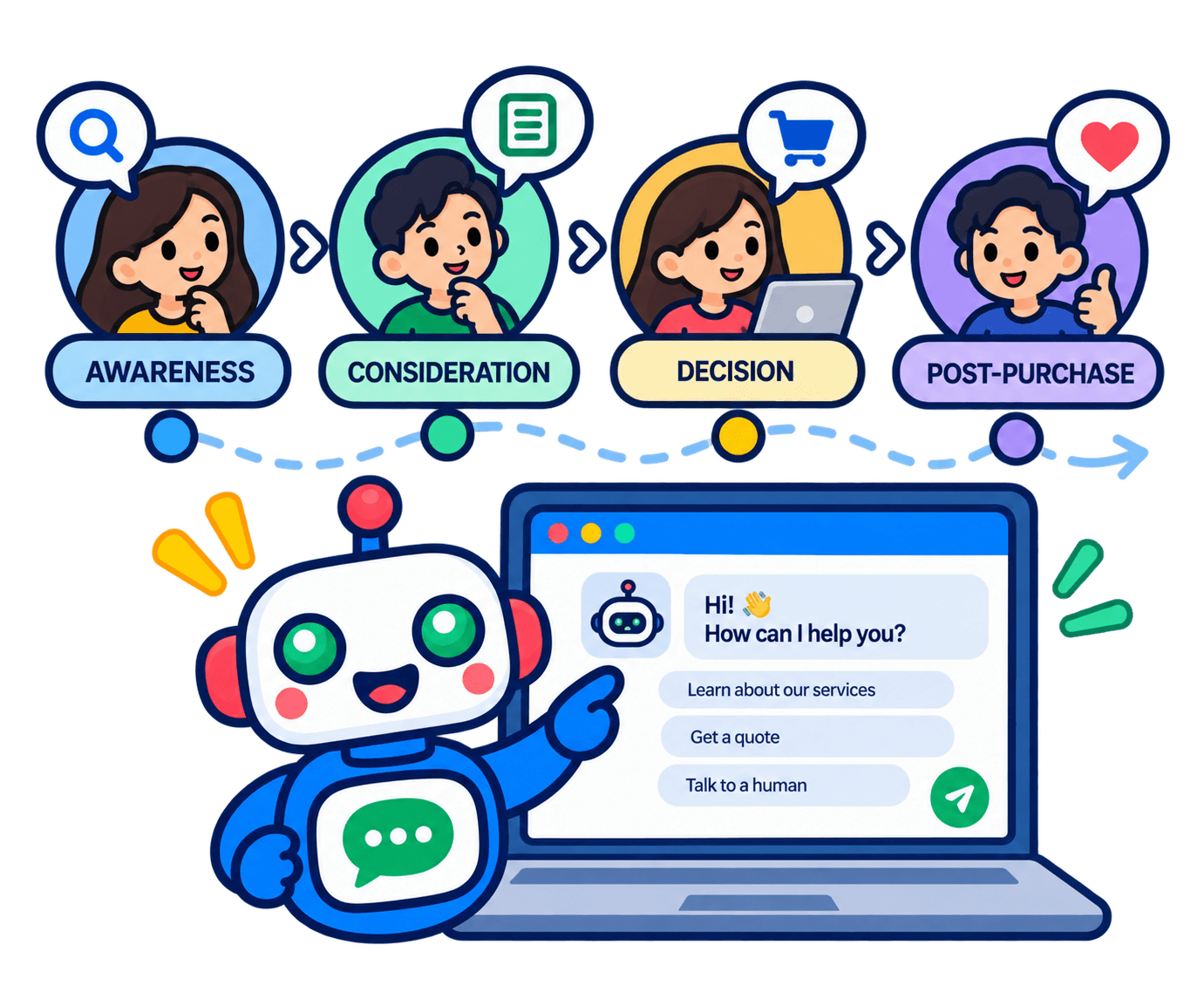
Plan Website Chat Around Your Customer Journey
A service company might start with questions visitors ask before requesting a quote. An online store might prioritize product information and published shopping policies. A real estate business might use the conversation to understand what a prospect is looking for.
The best starting point is the part of the journey where visitors repeatedly need help. Bring that use case to the demo, and we can discuss a focused setup before expanding to more complex tasks.
Website Chat Questions, Answered
Is website chat included in the main subscription?
Website chat integration is available as an add-on. Ask for a proposal that confirms the base plan, website integration, setup, and any custom development needed.
Can Mindy learn from our existing documents?
Yes. Supported training materials include website content, PDFs, Word documents, spreadsheets, and FAQs. Use current, approved information for the answers you want visitors to receive.
Can we update the chatbot after launch?
Yes. Mindy can be updated through scheduled retraining or a special request. The monthly retraining allowance depends on your plan.
What if a visitor needs a person?
Mindy can escalate the conversation to a human representative. Your onboarding process defines the situations that should trigger a handoff.