AI Chatbot for WhatsApp That Helps Your Team Stay Responsive
When a customer contacts your business on WhatsApp, give them a helpful place to start. Answer routine questions, understand what they need, and keep the conversation moving toward your team.
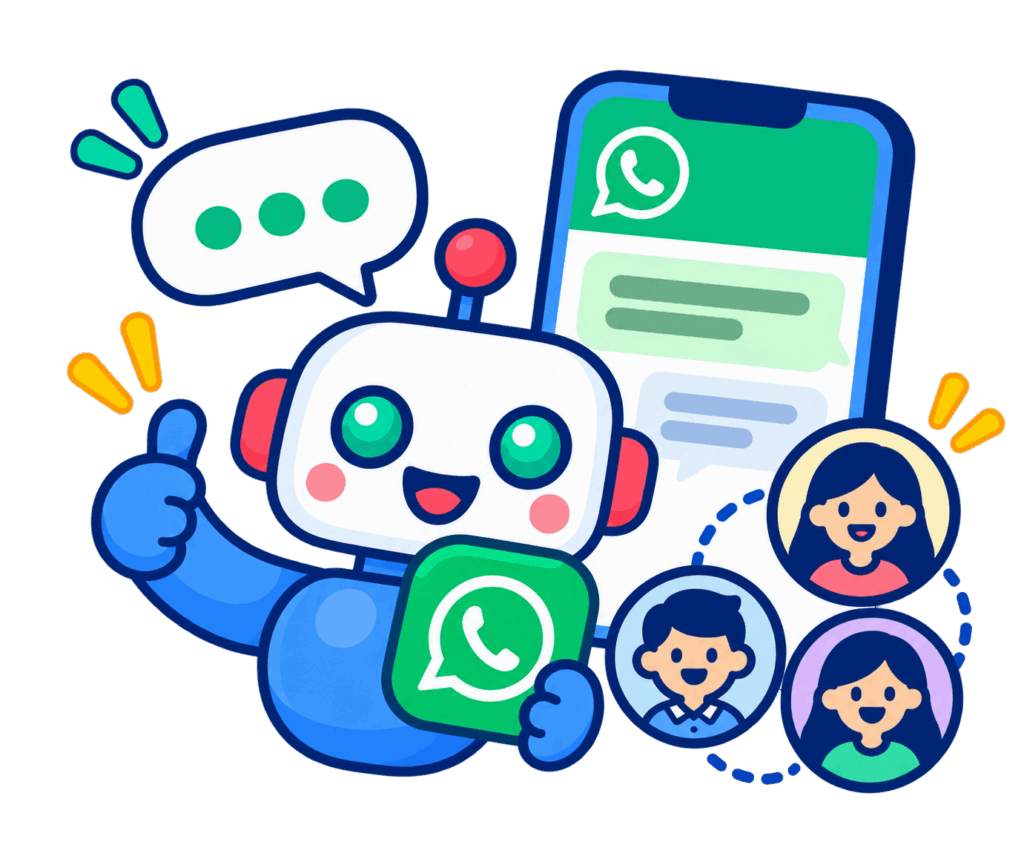
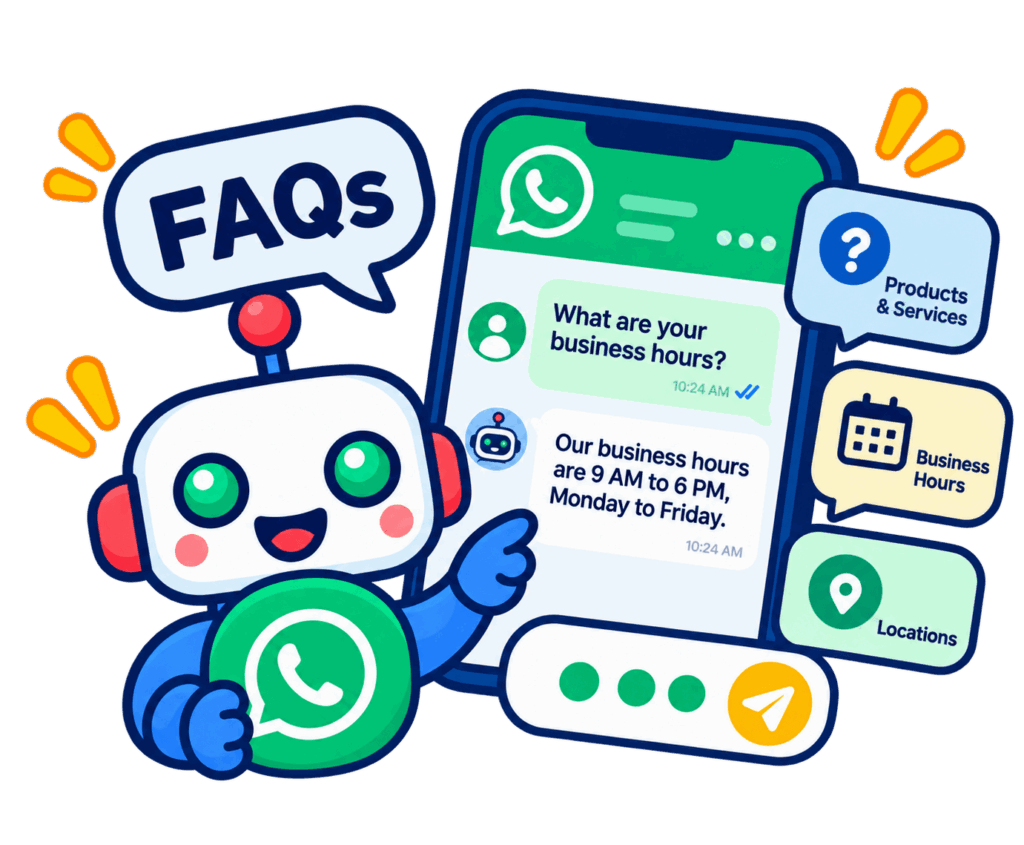
Mindy is an AI chatbot for WhatsApp that uses your approved business information to support text conversations, capture lead details, and escalate questions that need a human response. WhatsApp integration is available as an add-on and requires a WhatsApp Business account.
Handle Repeat Questions Without Losing the Conversation
A busy inbox often contains a familiar mix: questions about services, requests for product information, and inquiries that need a few more details before someone can help.
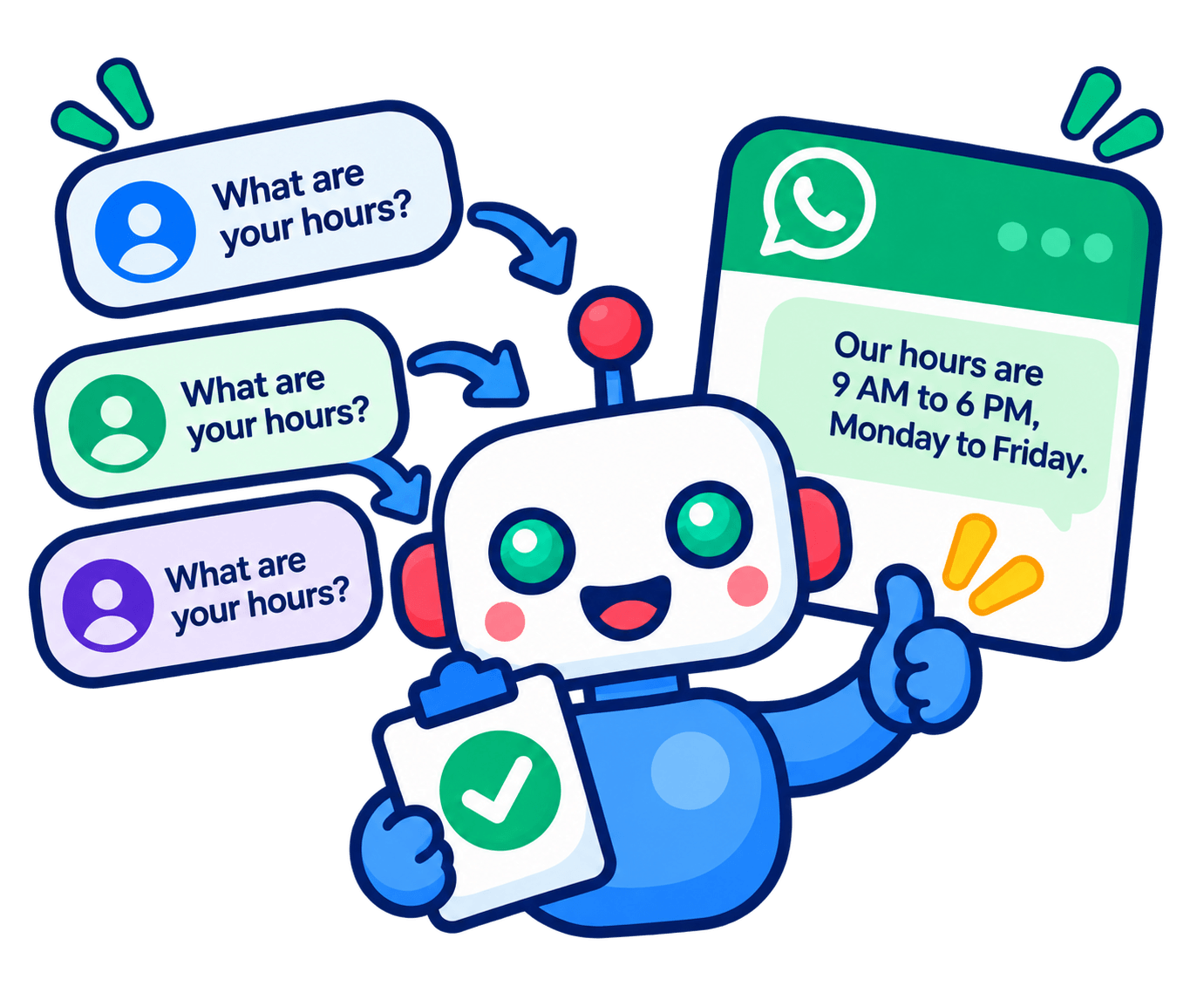
Mindy can handle that initial exchange. Customers receive a response based on your business knowledge, while your team spends less time repeating the same information and more time addressing the request.
Give WhatsApp Inquiries a More Useful Starting Point

Keep Essential Answers Available
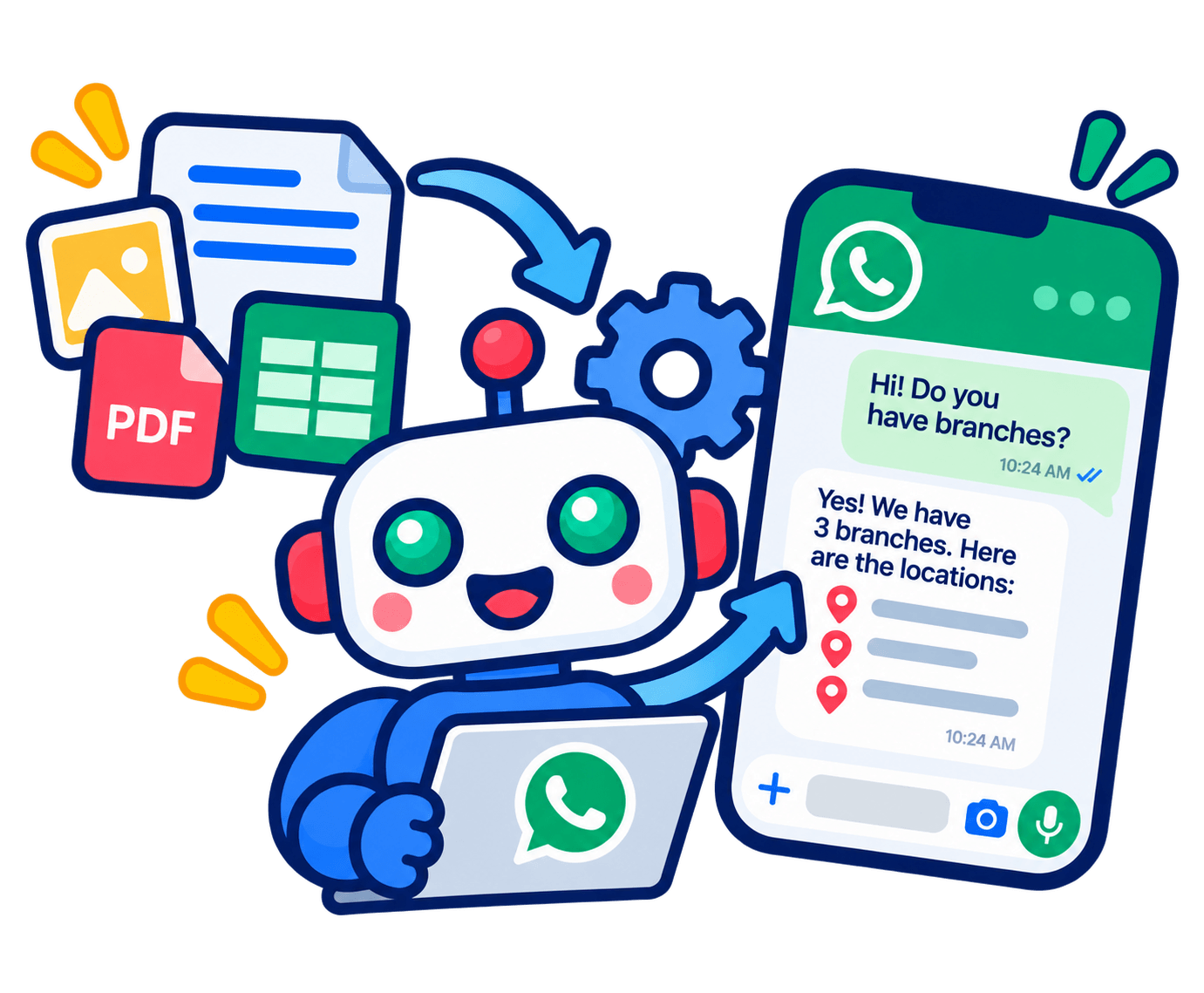
Provide round-the-clock responses to common questions using your FAQs, service descriptions, product details, and company documents. Keep the information focused on what customers need before they take action.

Understand the Inquiry Before Following Up
Mindy can collect contact details and ask qualification questions defined by your business. For example, a service inquiry could begin with the type of assistance needed and the customer’s location. Your team receives a clearer starting point for the conversation.

Bring in a Human Representative
Custom requests, proposals, and questions outside the available information may need a person. Set escalation rules so the chatbot can pass these conversations to your team.

Connect the Next Step to Your Systems
If your process requires appointments, order creation, or information from another system, Optimind can assess a custom integration. The available actions depend on the systems connected and the agreed development scope.
Useful for the Conversations Your Team Handles Every Day
For a service business, the value may be gathering enough context to prepare a response. For a retailer, it may be helping customers understand a product or a published policy. For a real estate team, it may be identifying what a prospect needs before arranging further discussion.
Start with a small set of recurring inquiries. A focused conversation flow makes it easier to decide which answers belong in the knowledge base and which requests should go directly to your team.
From Business Information to a Working Chat Experience
Share your WhatsApp Business account details, approved training materials, and the questions you want Mindy to handle. Optimind manages onboarding, integration, training, and deployment.
Together, we define the responses, qualification questions, and handoff points. Review sample conversations before launch so the experience reflects how your business wants to support customers.
After launch, keep the source information current and review new inquiry patterns. Monthly retraining time depends on your selected plan, giving your team a way to refine answers as your offering changes.
WhatsApp Chatbot FAQs
Do I need a WhatsApp Business account?
Yes. A WhatsApp Business account is required for Mindy’s WhatsApp integration. The team will confirm the setup requirements for your business.
Does Mindy handle WhatsApp voice calls?
No. Mindy currently supports text-based conversations. This service is intended for customer messaging.
Can it work alongside other customer channels?
Yes. Mindy also supports channels including Facebook Messenger and Instagram. Discuss the channels you need so the proposal covers the appropriate configuration and integrations.
How much does WhatsApp integration cost?
WhatsApp integration is an add-on to your Mindy setup. Request a quote that accounts for your base plan, inquiry volume, setup requirements, and any custom integrations.
What happens if the chatbot gives an incorrect answer?
Report the conversation to Optimind for review. AI responses can be incorrect, so current source information, retraining, and a clear human escalation process remain important parts of the setup.